Menünüzü oluşturun
Ürünlerinizi, kategorilerinizi, fiyatlarınızı ve görsellerinizi ekleyin.
Guests scan a QR code and explore dishes and ingredients at their own pace. Where a 3D model is available, they can view it at their table. You keep everything up to date from one place.
QR access · Multiple languages · AR for selected dishes
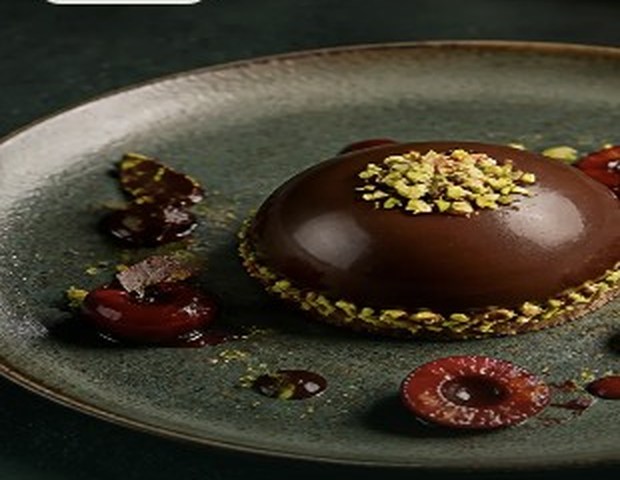
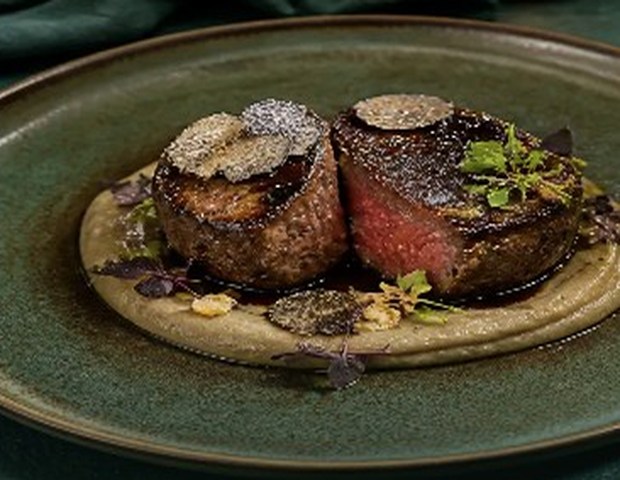
A carefully prepared evening plate
Open the sample MenuXR menu on your phone and explore categories, portions, dish details and multiple images directly.

A good menu should invite people in and give them the right information when they need it. MenuXR brings both sides together.
Choose a category, switch dishes and open the details. Everything in this preview is interactive.
Sample dishes and prices for preview purposes.
A carefully prepared evening plate. İçerik ve alerjen bilgilerine ürün detayından ulaşabilirsiniz.
As your menu changes, skip the reprints. Manage dishes, prices, visibility, languages and branches from your panel.
Dishes with prepared 3D models can be viewed in augmented reality on supported devices.
Open the AR technology demo ↗Open it on your phone; camera permission is requested only after you tap “Open camera”.
3D / AR is optional per dish
← Drag to move →Ürünlerinizi, kategorilerinizi, fiyatlarınızı ve görsellerinizi ekleyin.
Menünüzü güncelleyin; görünürlüğü ve dil seçeneklerini yönetin.
Masanızdaki QR üzerinden misafirlerinizi dijital menünüze ulaştırın.
No. Dishes can be published with photos and descriptions. 3D/AR appears only when a model is ready.
Yes. Branch structure and dish visibility can be arranged around your operation.
Restaurant-provided information appears in dish details. “Contains” and “may contain traces” are shown separately.
Tell us about your branches, languages and 3D/AR needs, and we will discuss a suitable proposal.
Tell us a little about your restaurant. We will prepare a WhatsApp message for you to review before sending.
There is no form submission. Your details become a WhatsApp message on your device.
Open message in WhatsApp ✆ +90 537 334 01 56This page does not send your details to our server. WhatsApp’s own terms apply when you leave this site.